Scientific Figure Export for PPTX, SVG, and preview downloads
Use Scientific Figure Export after a generated figure draft is ready. Download a free preview for quick review, or create presentation-ready figure files with PPTX export and embedded-image SVG export.
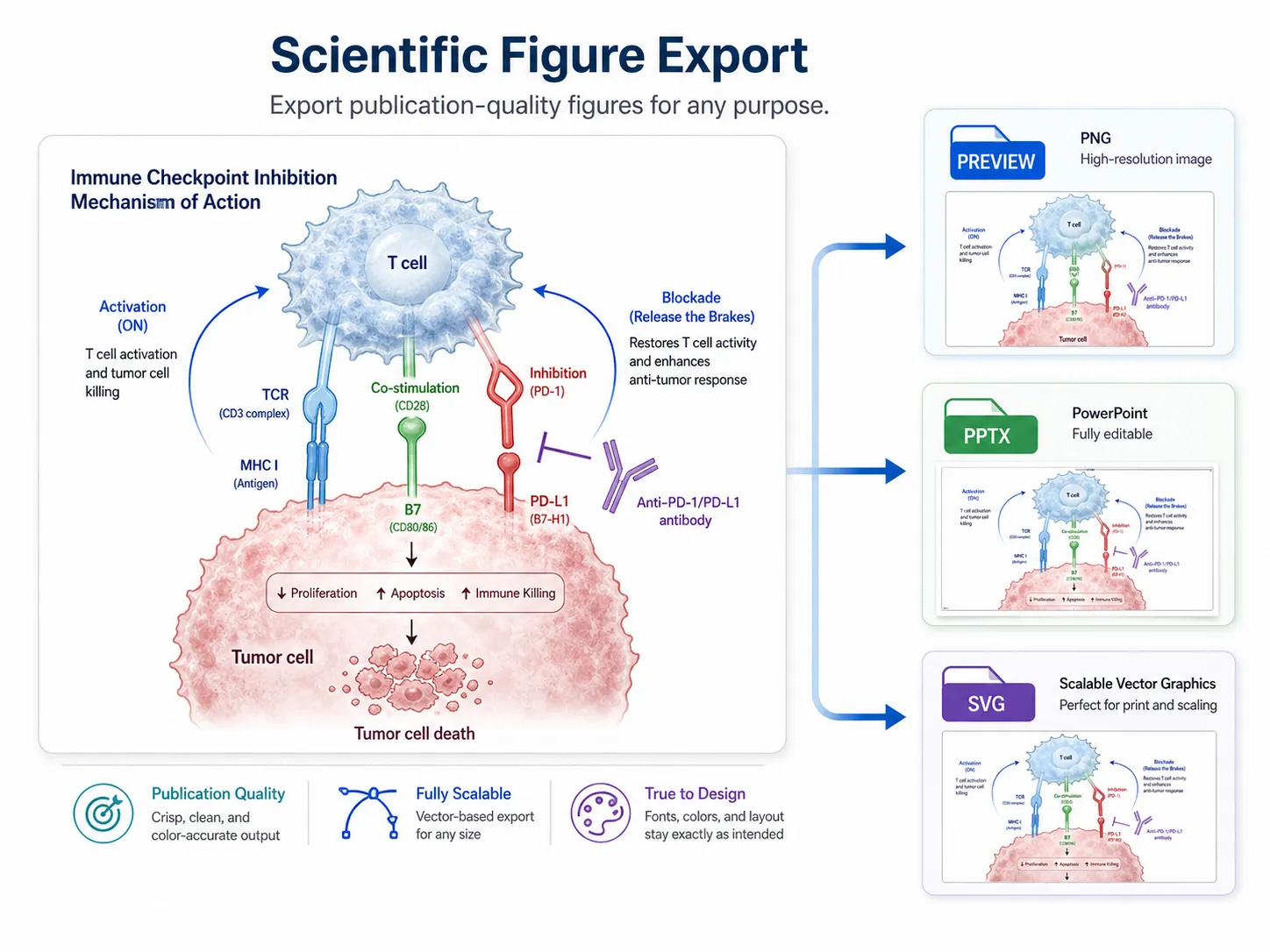
Preview, PPTX, and SVG
PPTX / SVG Export
How Scientific Figure Export fits into figure creation
Export actions stay attached to saved figure results, so you can generate a scientific figure draft, refine it, and then choose the output that matches the next step in your research workflow.
Choose the right Scientific Figure Export output
Different research tasks need different files. Scientific Figure Export keeps preview downloads lightweight while making PPTX and SVG available when a figure needs to move into presentation or editing work.
A slide-ready Scientific Figure Export example
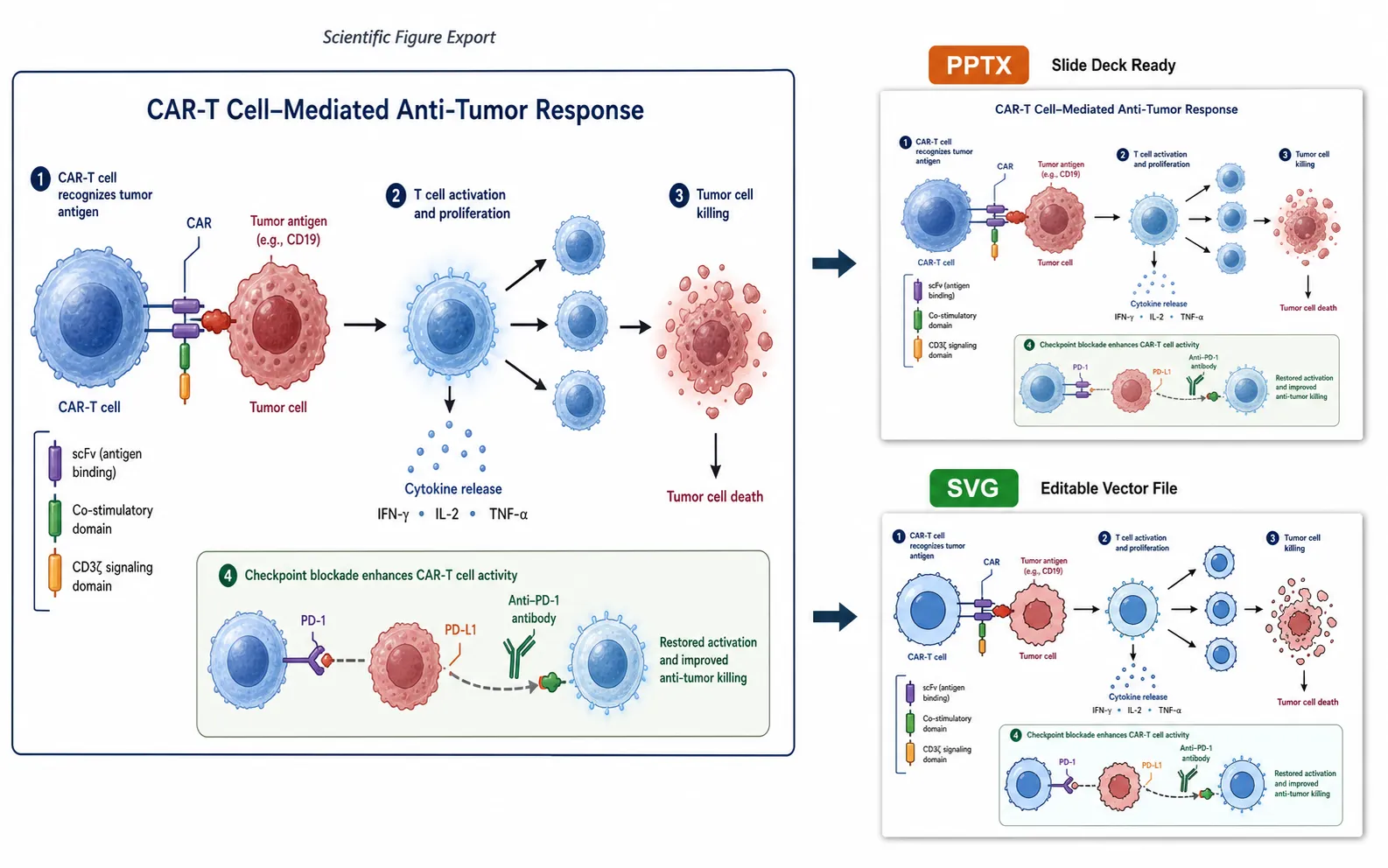
Start from a complete scientific mechanism figure, review the preview, then export scientific figures into files that fit presentation and editing workflows.
Export-ready figure direction
Create a CAR-T tumor immune response mechanism figure with T cell recognition, tumor binding, cytotoxic molecule release, and reduced tumor burden. Use a clean academic style suitable for a research presentation, then prepare the result for preview download, PPTX export, and SVG export.
Scientific Figure Export credits stay tied to output files
Generated images can be downloaded as previews without credits. PPTX and SVG exports consume credits only after the export file is created successfully.
Common questions
Scientific Figure Export for PPTX, SVG, and preview downloads
Use Scientific Figure Export after a generated figure draft is ready. Download a free preview for quick review, or create presentation-ready figure files with PPTX export and embedded-image SVG export.
Create an Exportable Figure