Scientific Figure Inspiration for your next research visual
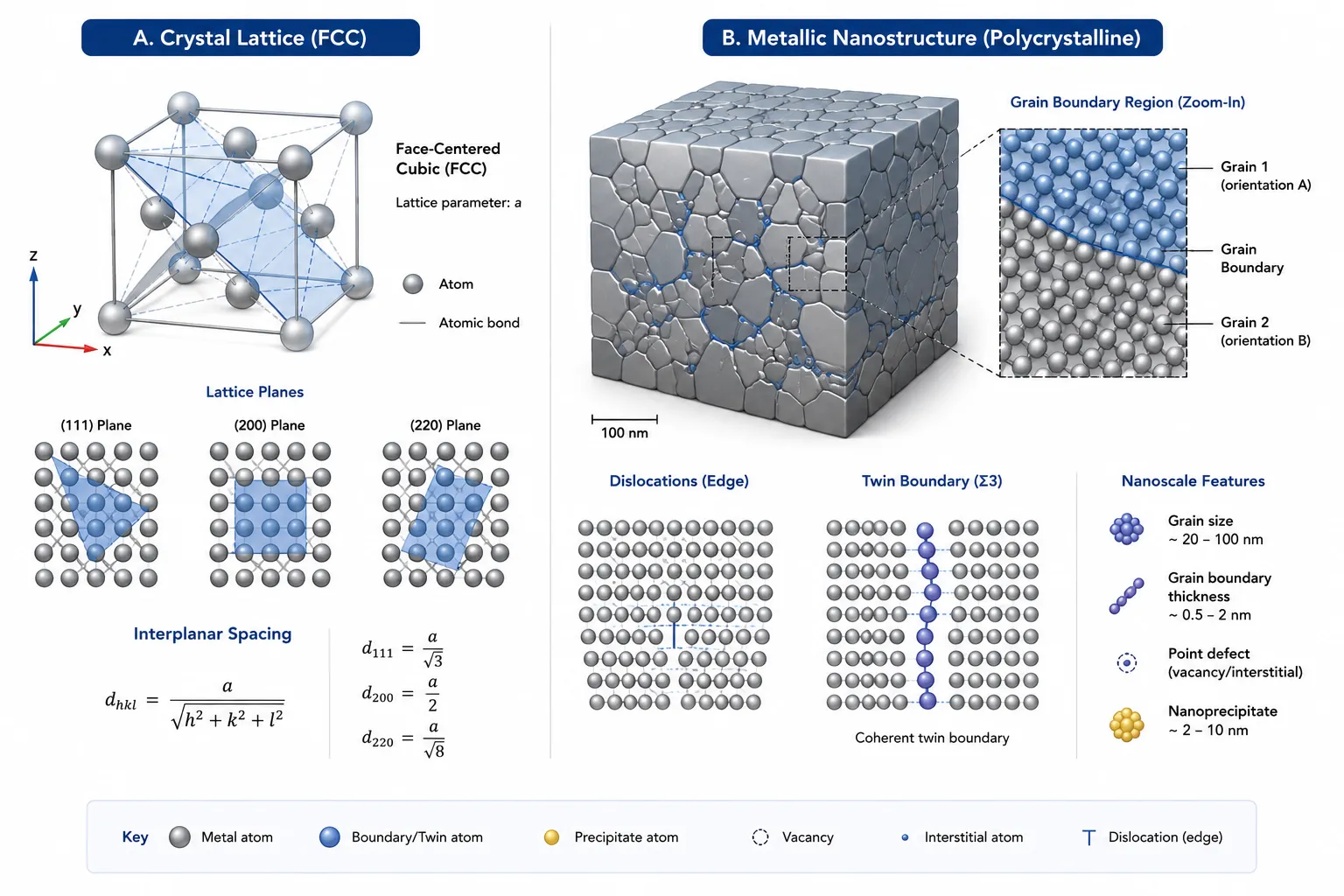
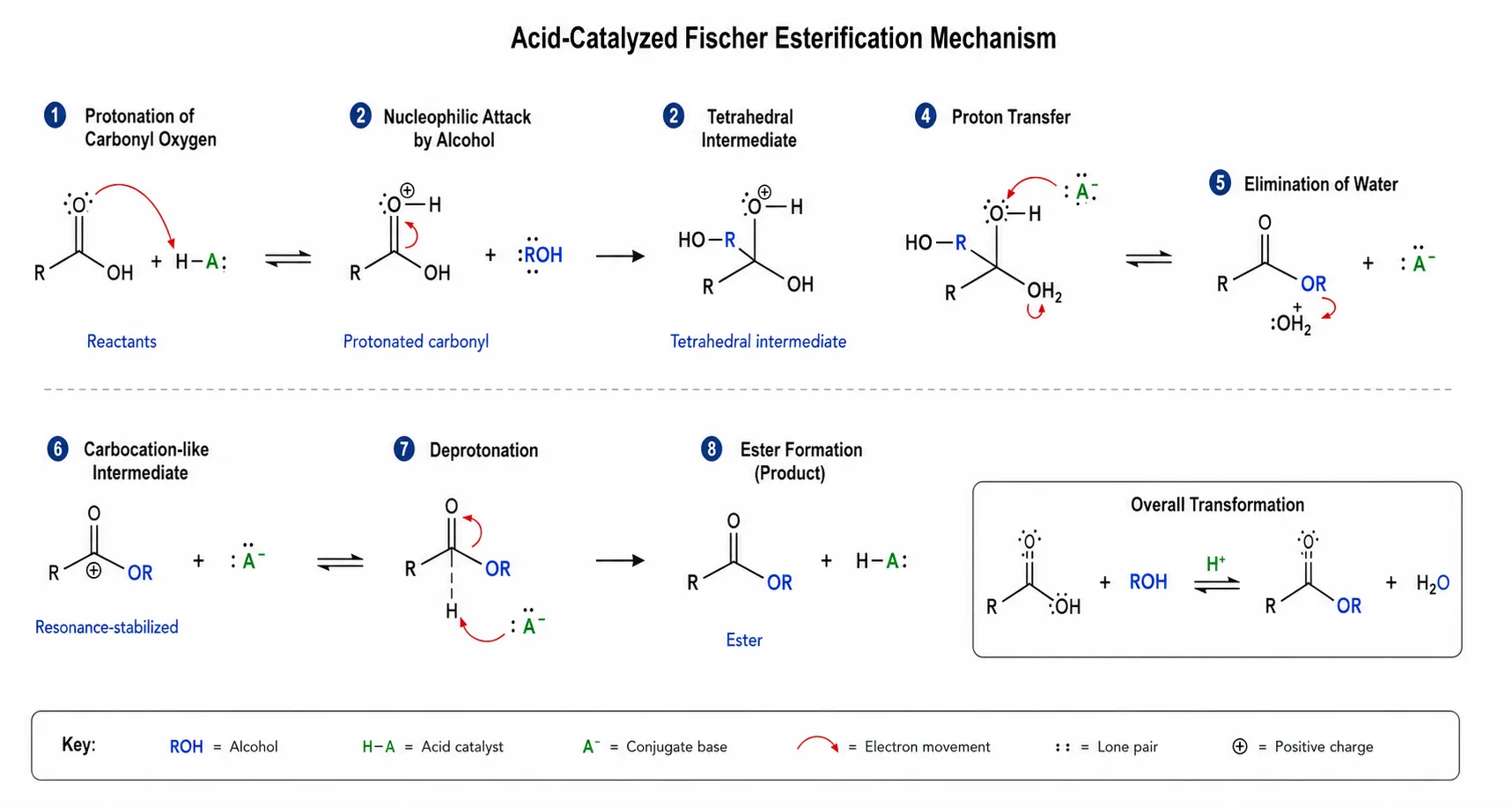
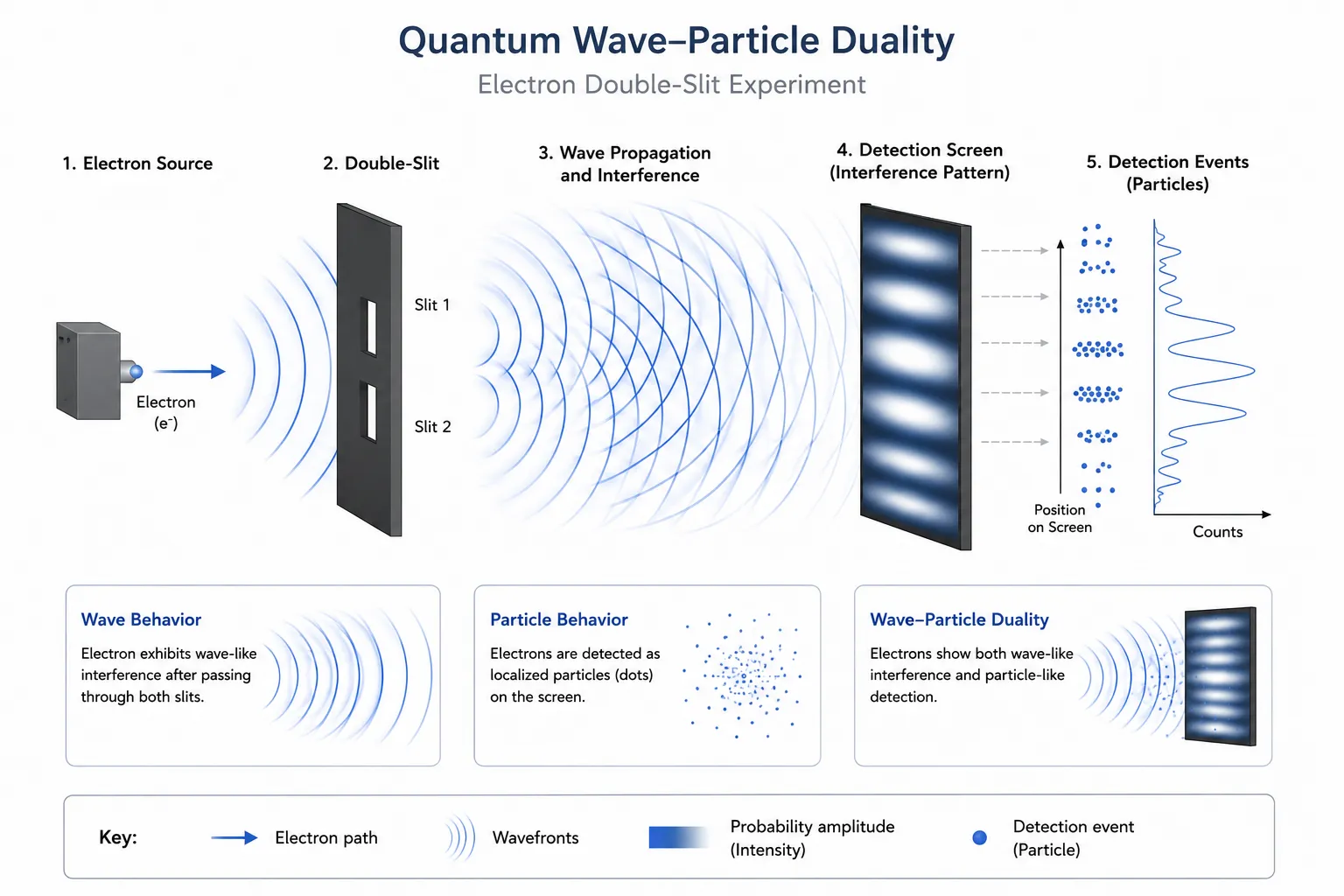
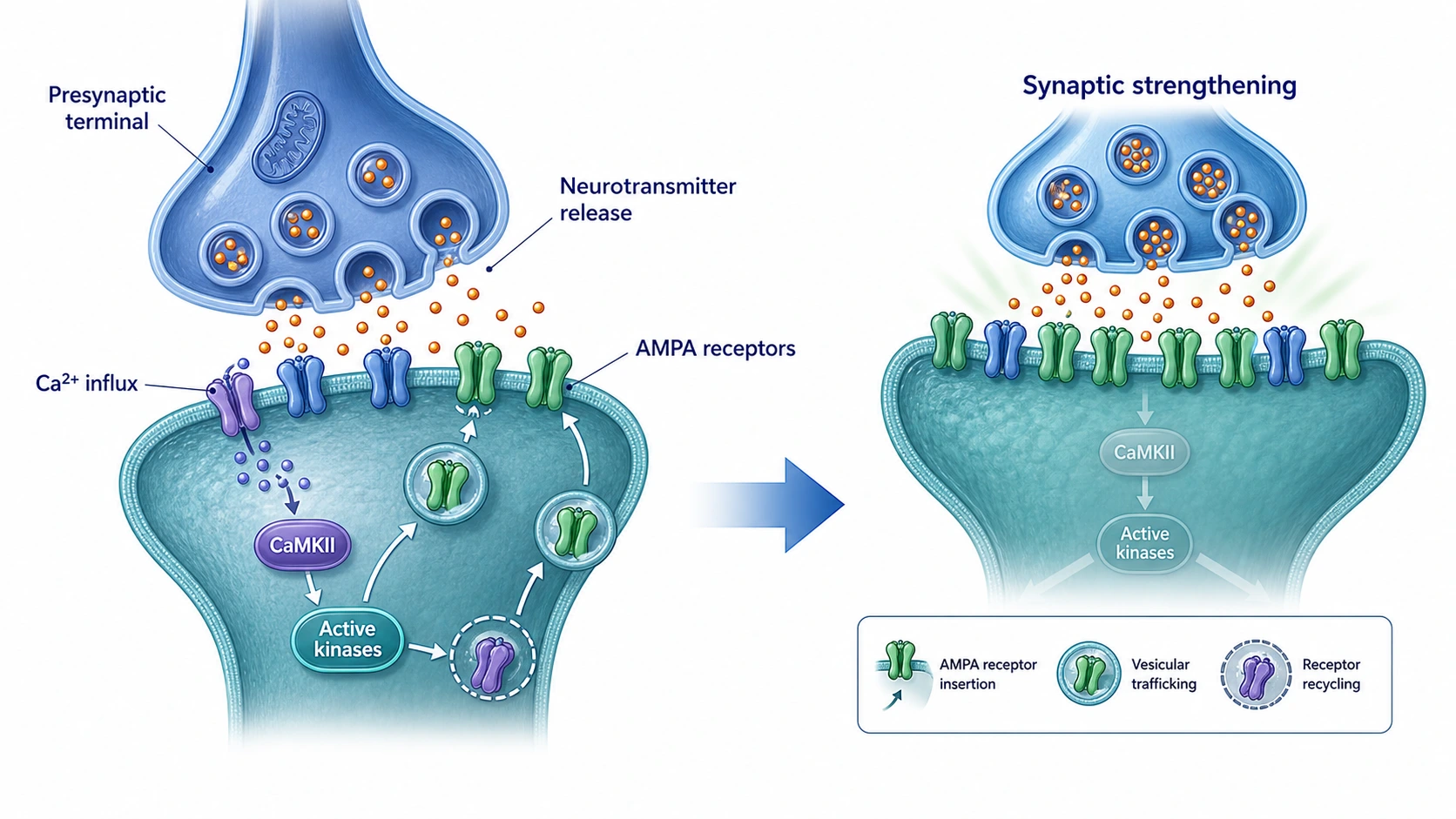
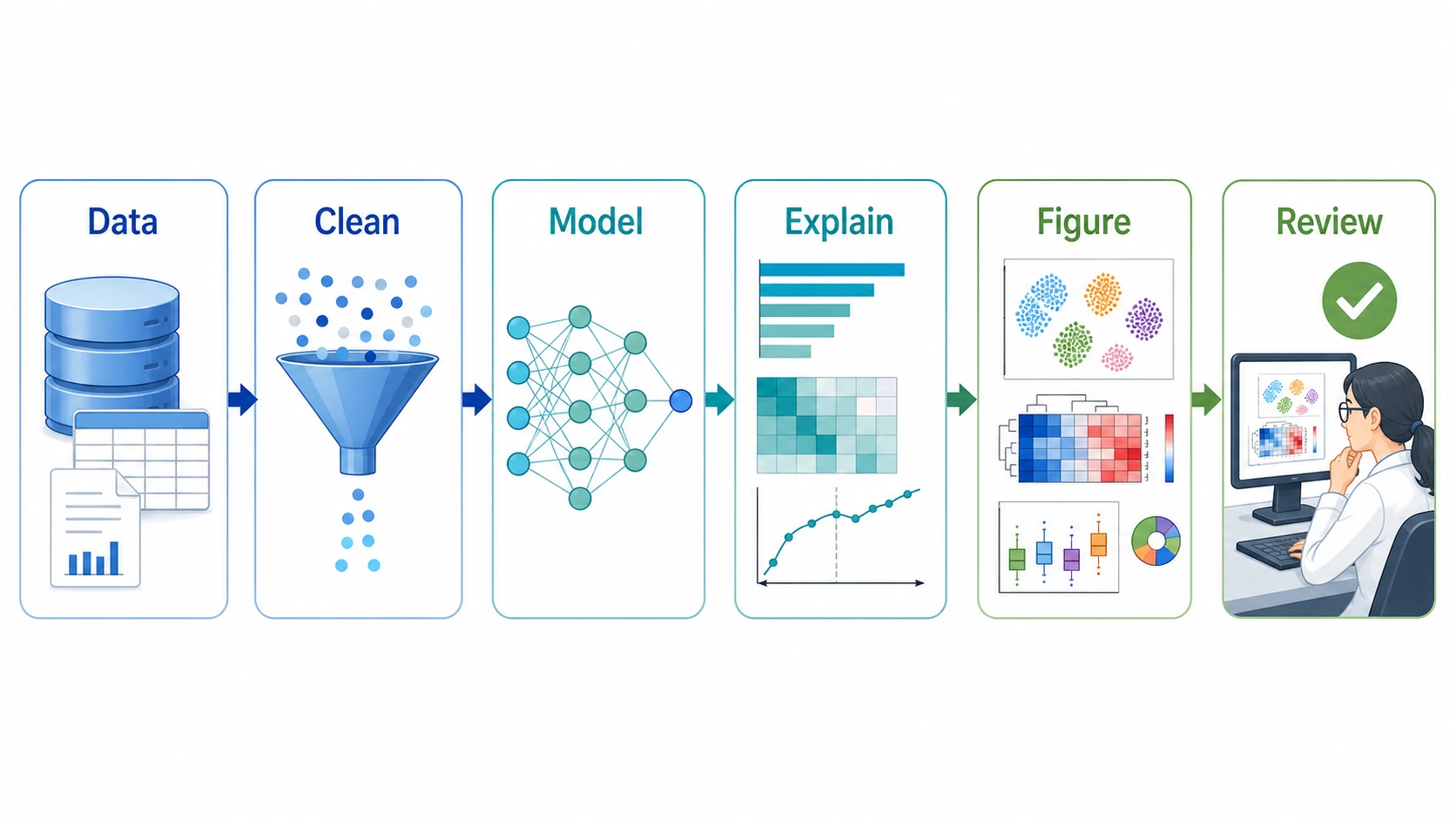
Use this Scientific Figure Inspiration gallery to compare visual directions before you generate. Browse curated scientific figure examples, copy a research visual prompt, and reshape it around your own mechanism, workflow, assay, material, or concept.
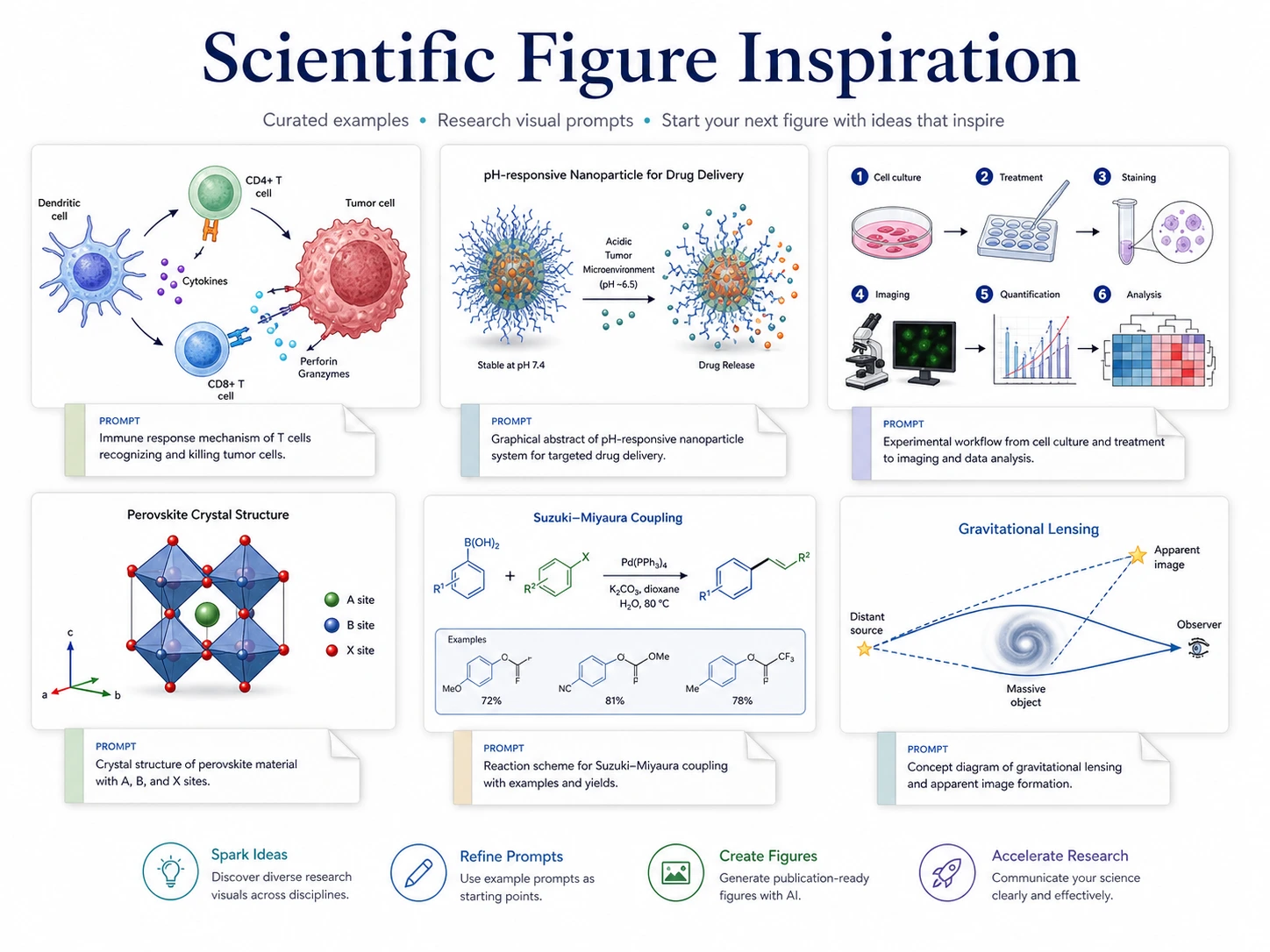
Multi-field figure ideas, prompt starting points, and visual directions for scientific drafts.
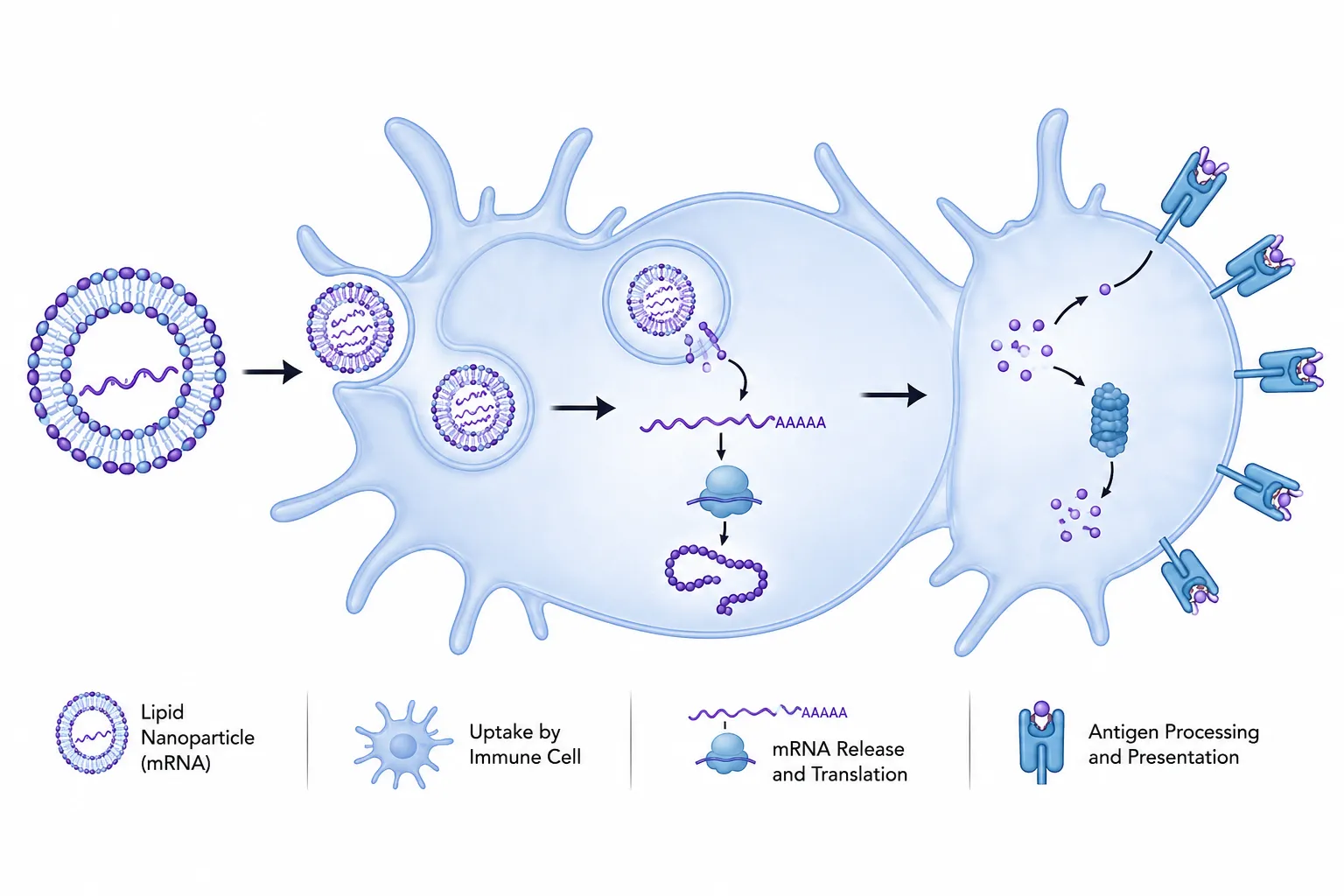
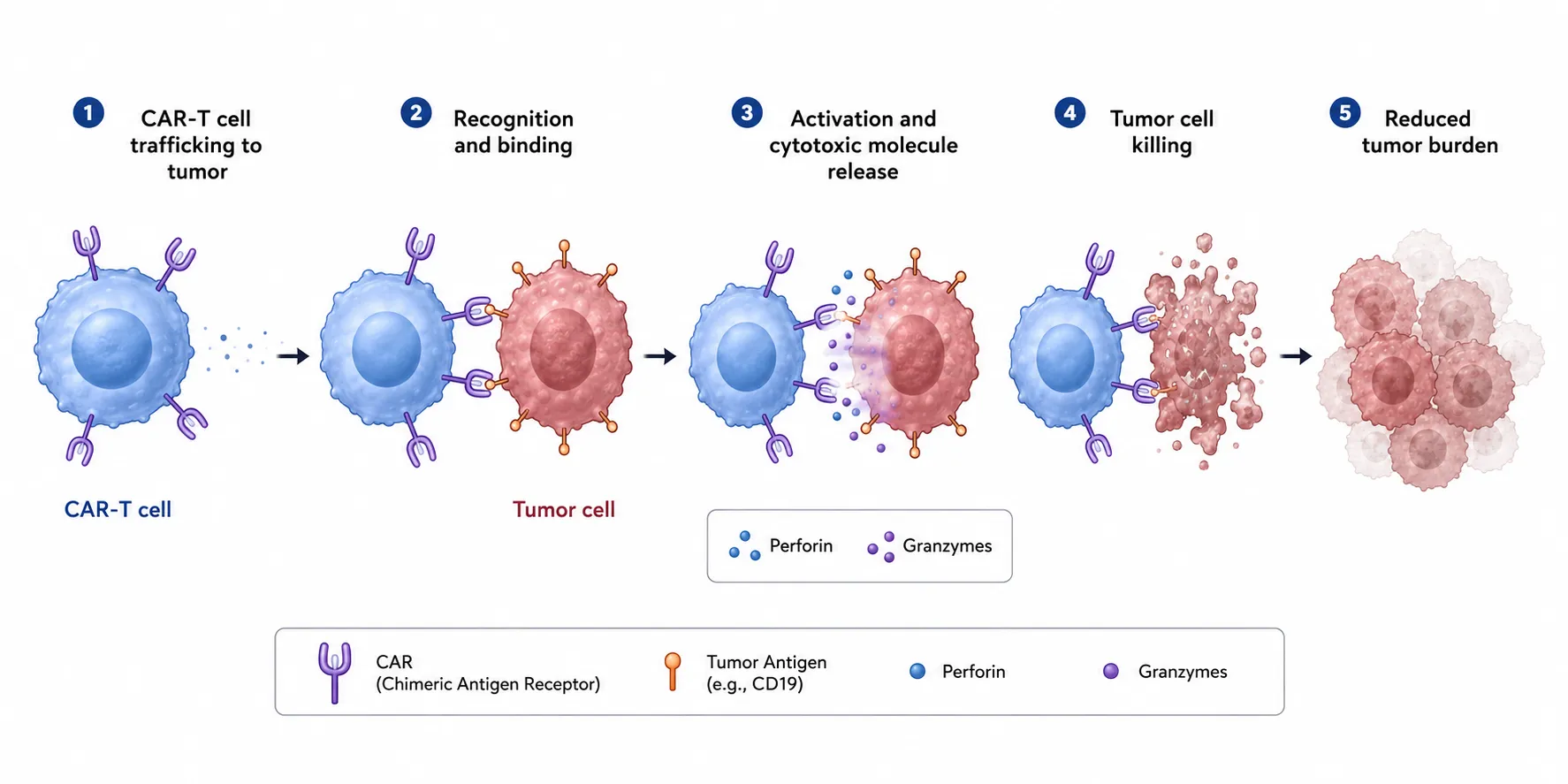
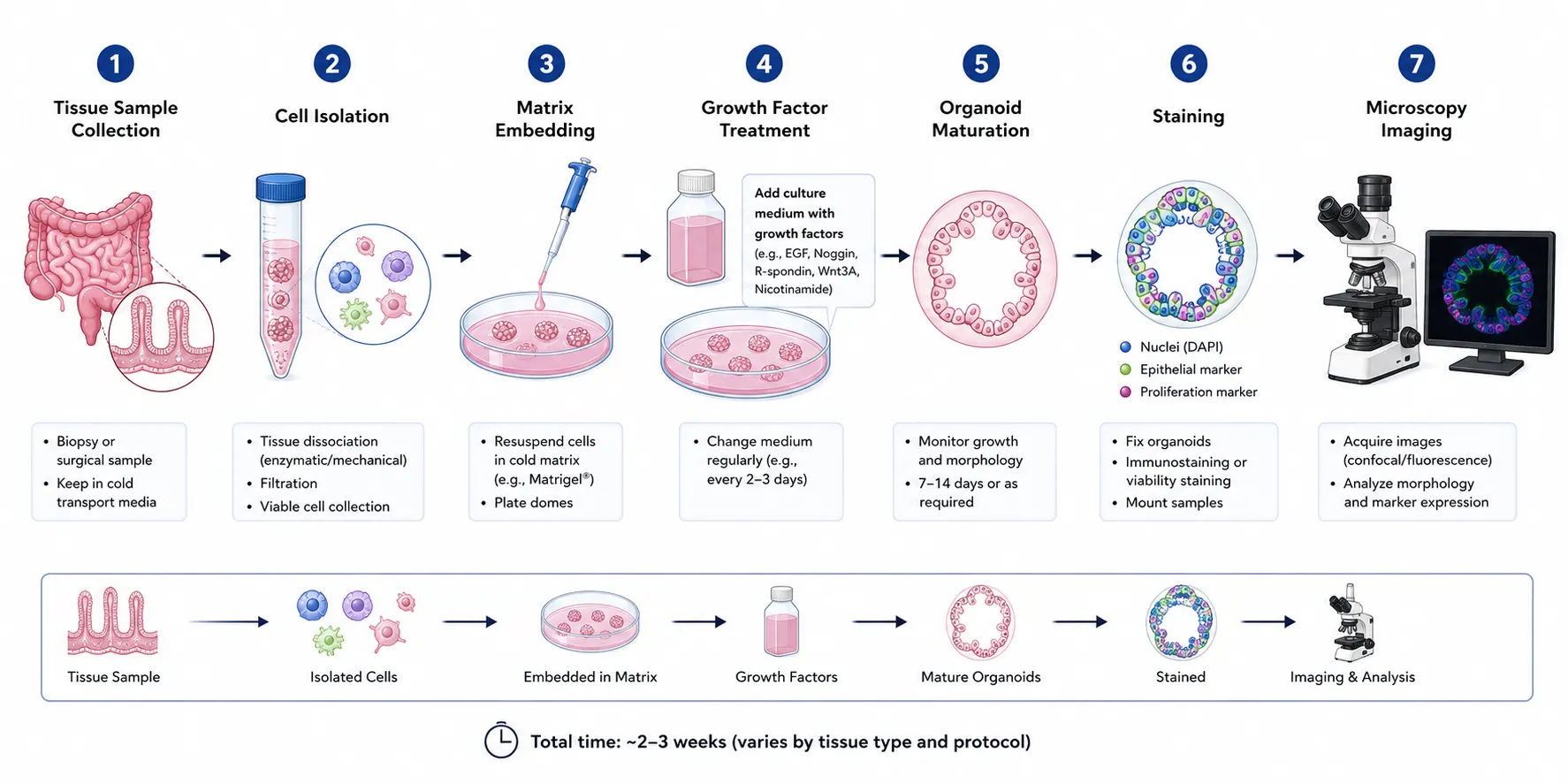
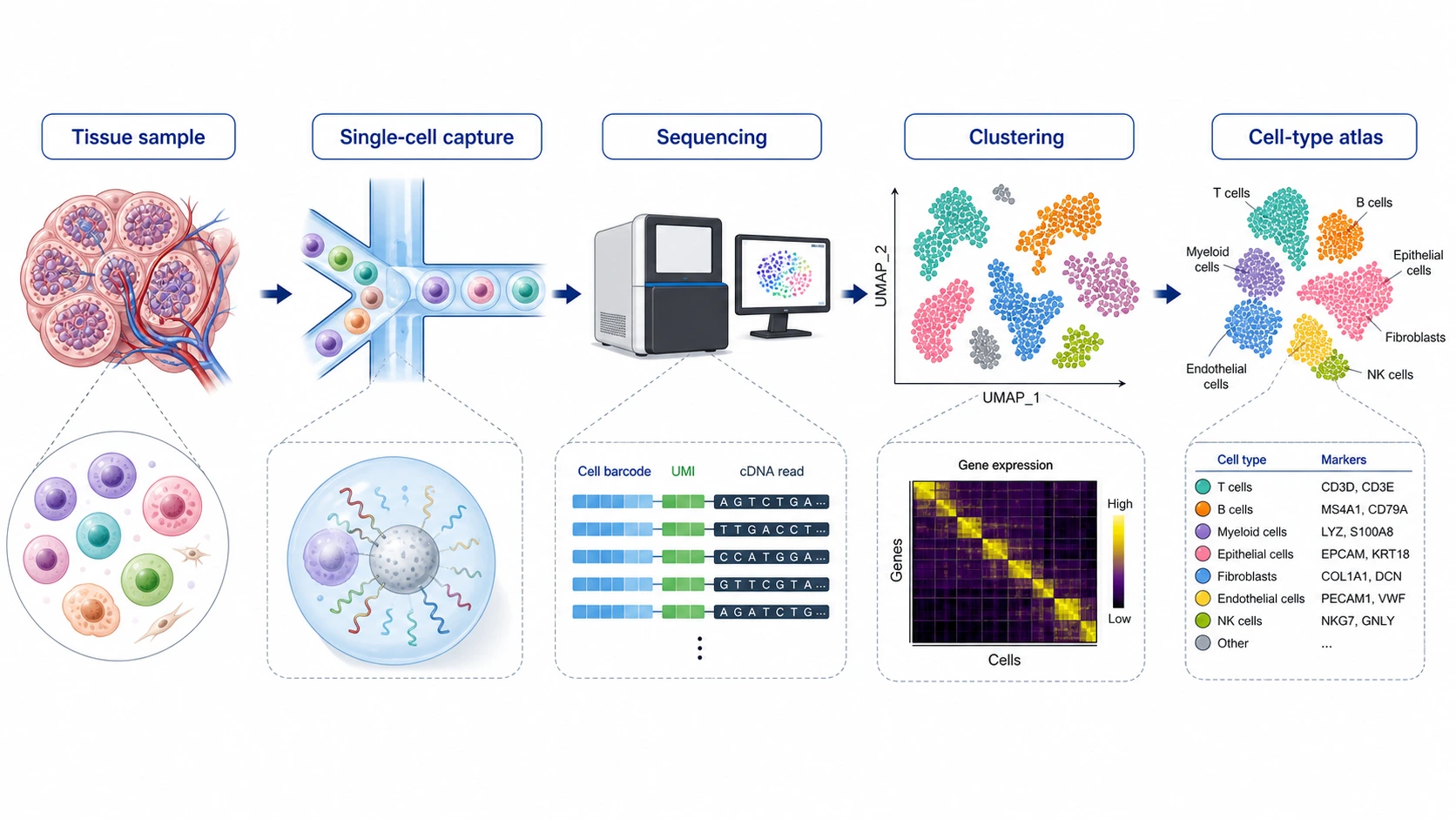
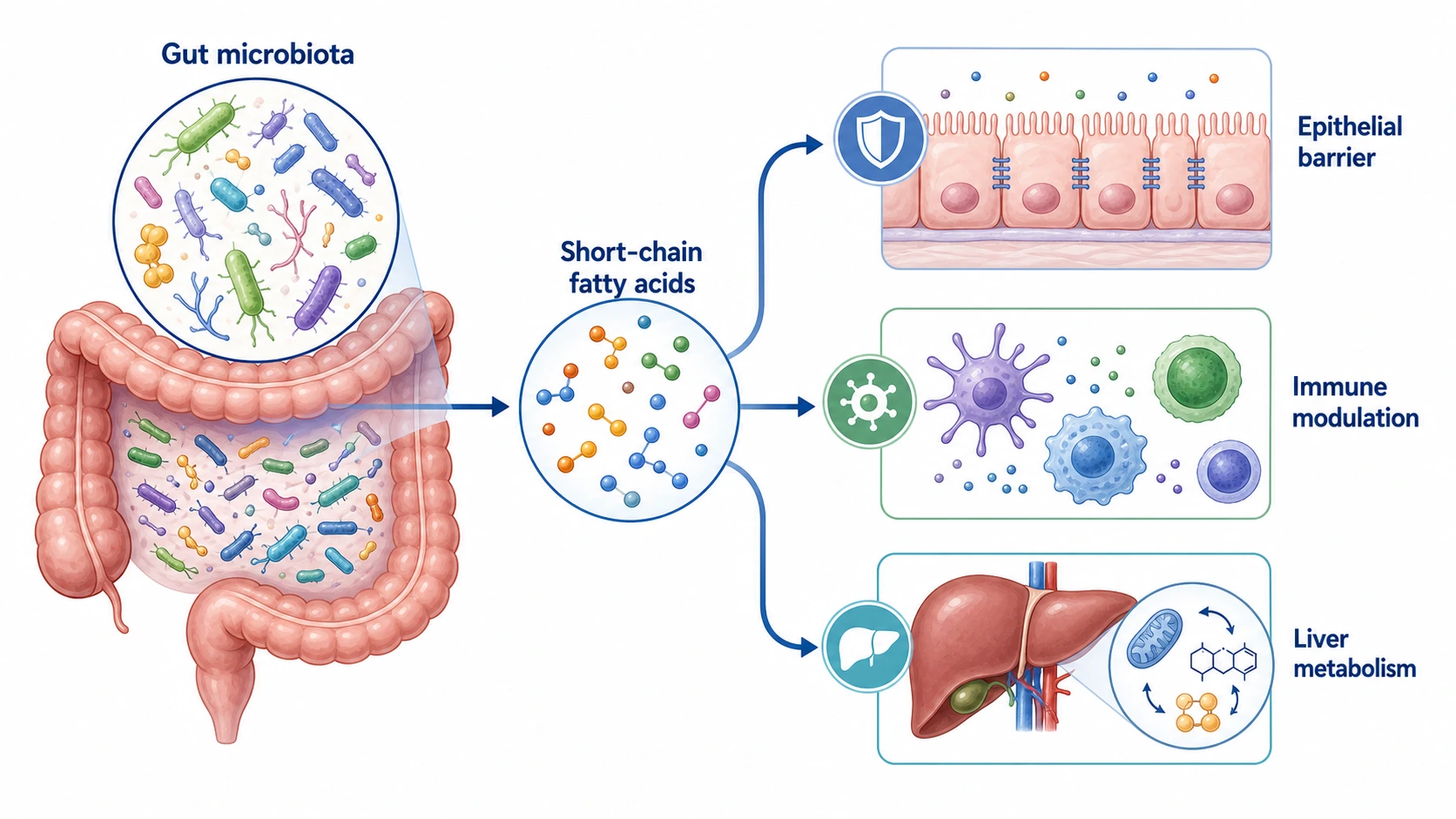
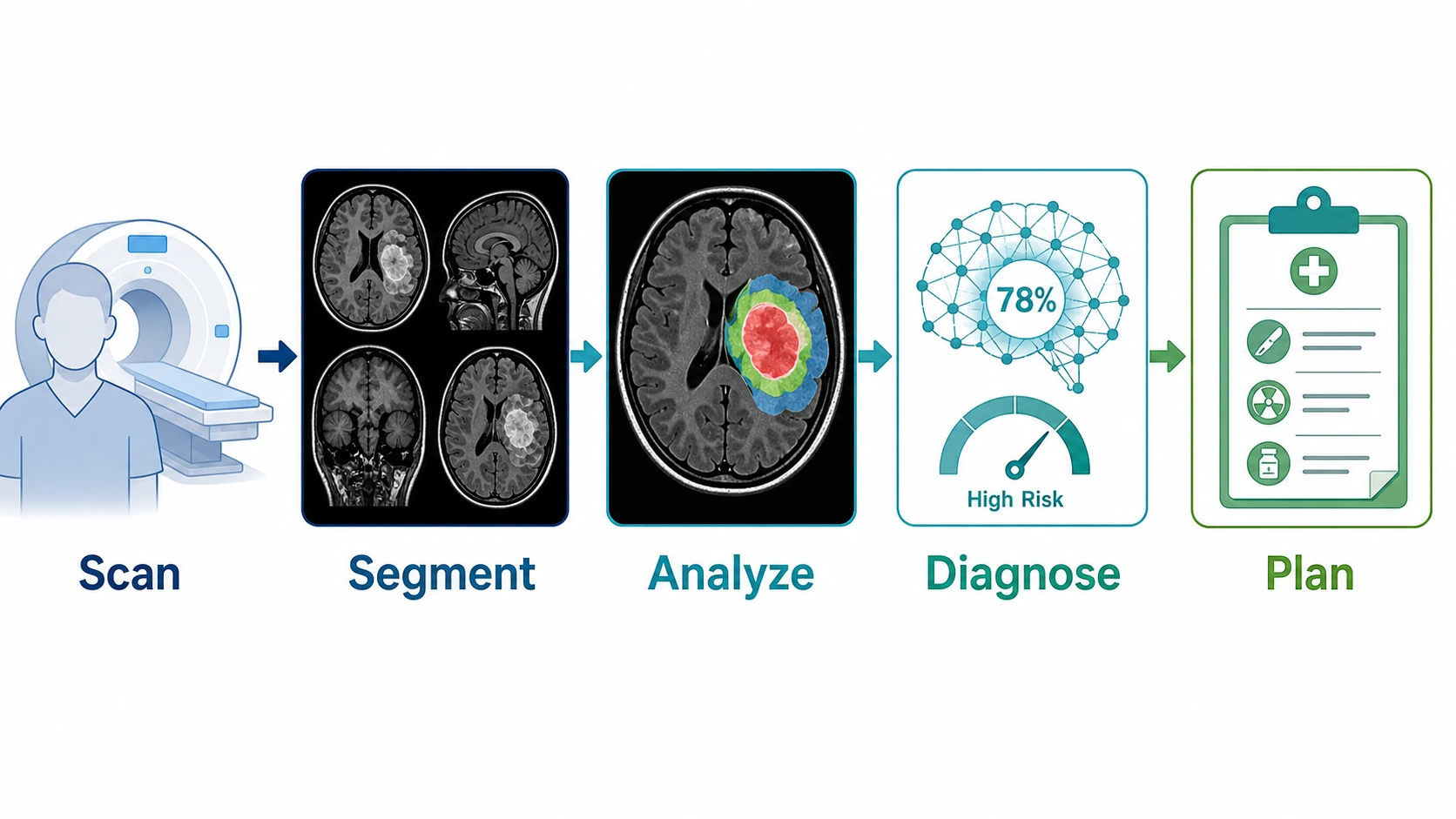
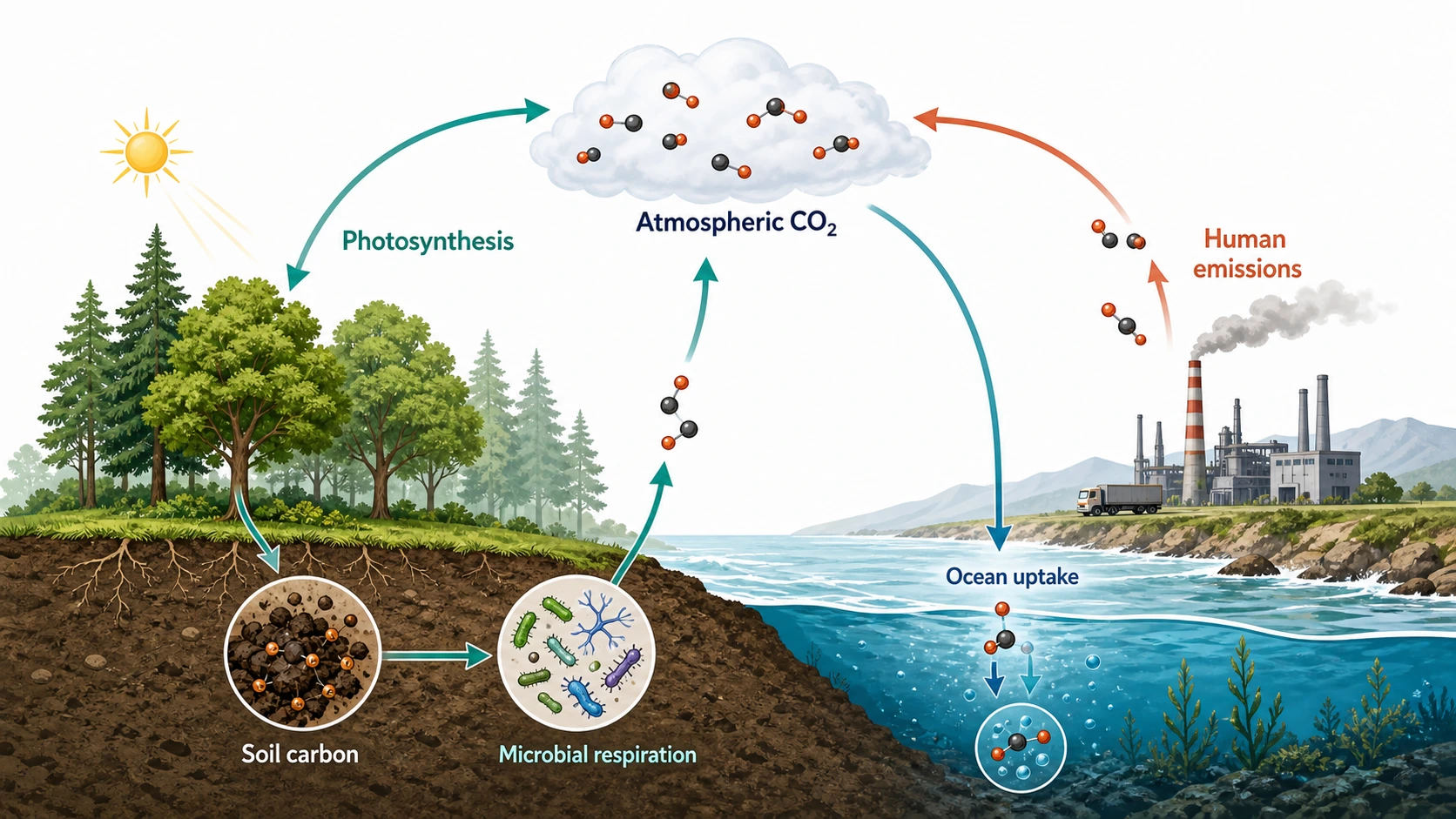
Scientific Figure Inspiration questions
Use these answers to turn Scientific Figure Inspiration into a practical brief for Text to Figure, Sketch to Figure, or iterative figure editing.
What is the Scientific Figure Inspiration gallery?
The gallery is a curated set of scientific figure examples and prompt patterns. It helps you compare layout, visual hierarchy, labels, arrows, and scientific storytelling before you generate a new figure for your own research context.
How should I use Scientific Figure Inspiration before generating?
Start by filtering for the closest figure type or research field, then copy a prompt that matches your communication goal. Replace the biology, chemistry, materials, or physics details with your own experiment so the generator receives a clear visual brief.
Which visuals work well with this Scientific Figure Inspiration page?
It works best for graphical abstract inspiration, mechanism diagram examples, experimental workflow ideas, concept figures, reaction schemes, structure visuals, and other research visuals where the layout matters as much as the subject.
Can I use these examples with Text to Figure or Sketch to Figure?
Yes. Use a prompt directly in Text to Figure when you want to start from written instructions. If you already have a rough drawing, pair the prompt with Sketch to Figure so the generated draft follows your layout more closely.
Should I copy a prompt exactly or rewrite it?
Treat each prompt as a starting point. Keep the structure, style notes, and output expectations, but rewrite the biological pathway, protocol steps, material system, or scientific concept so the final figure represents your own study.
How do I refine a figure after choosing an example?
Generate a first draft, then edit labels, arrow direction, panel order, colors, and missing details. The strongest workflow is to keep one clear research message per figure and iterate until the visual reads like a publication-ready scientific diagram.
Turn Scientific Figure Inspiration into your own draft
Choose a prompt from the gallery, replace the domain details with your study, and refine the generated result inside your SciFigureAI workspace.
Start Creating a Figure